Image Editing
Interior Design
Nano Banana
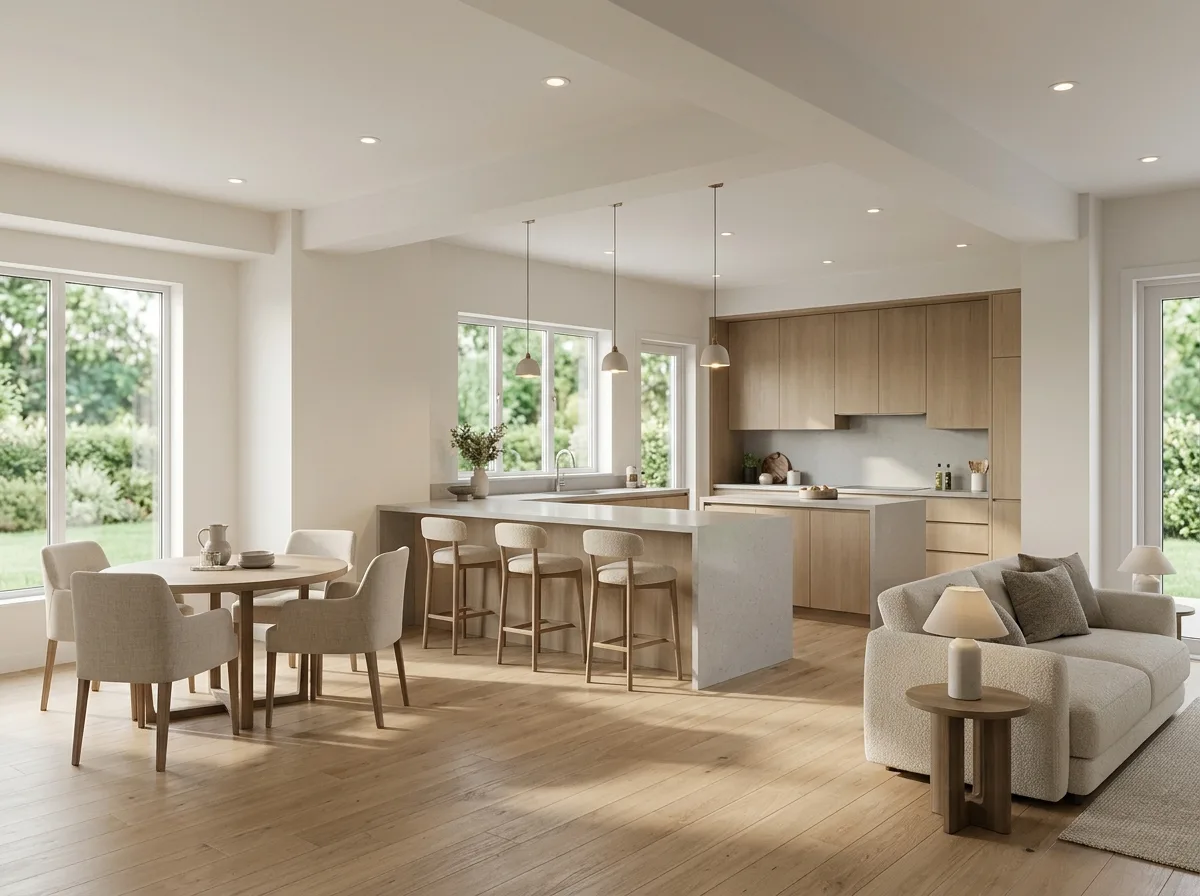
Model to Render: SketchUp White Model to Realistic Materials
Prompt
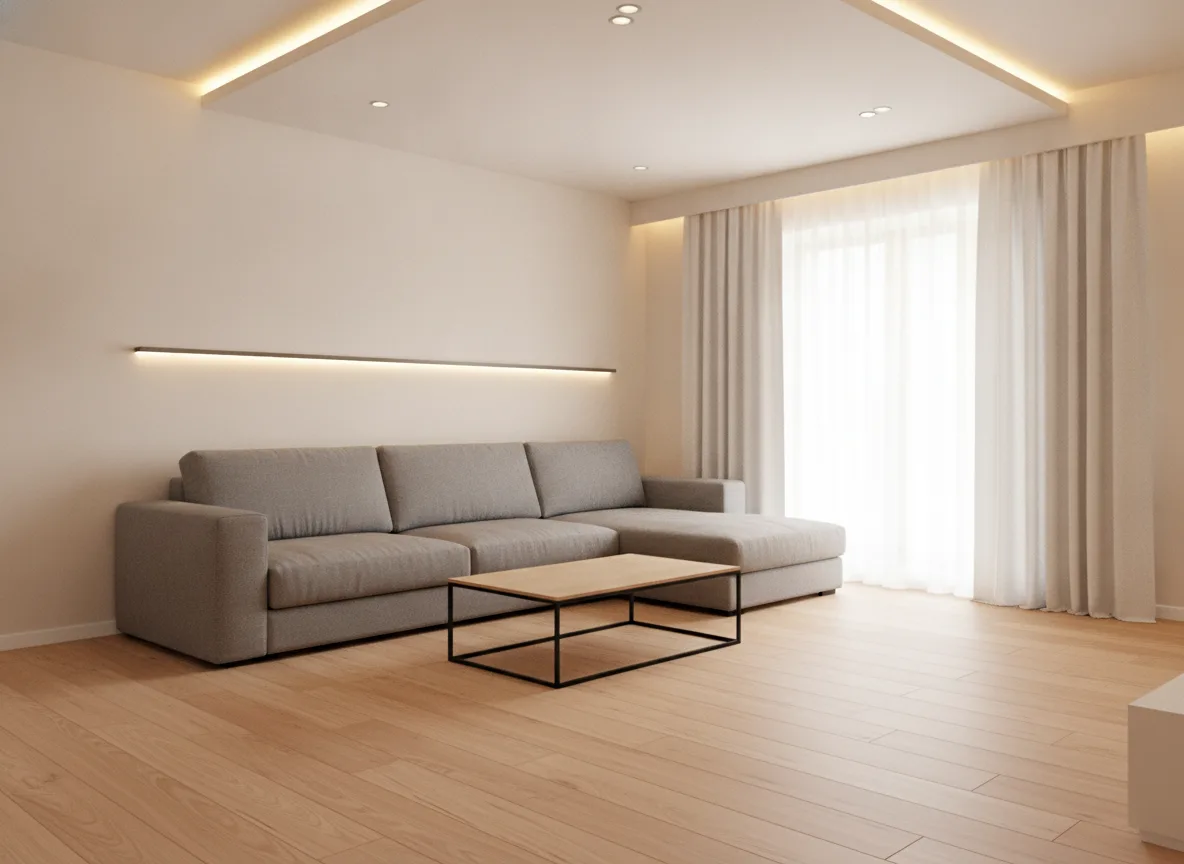
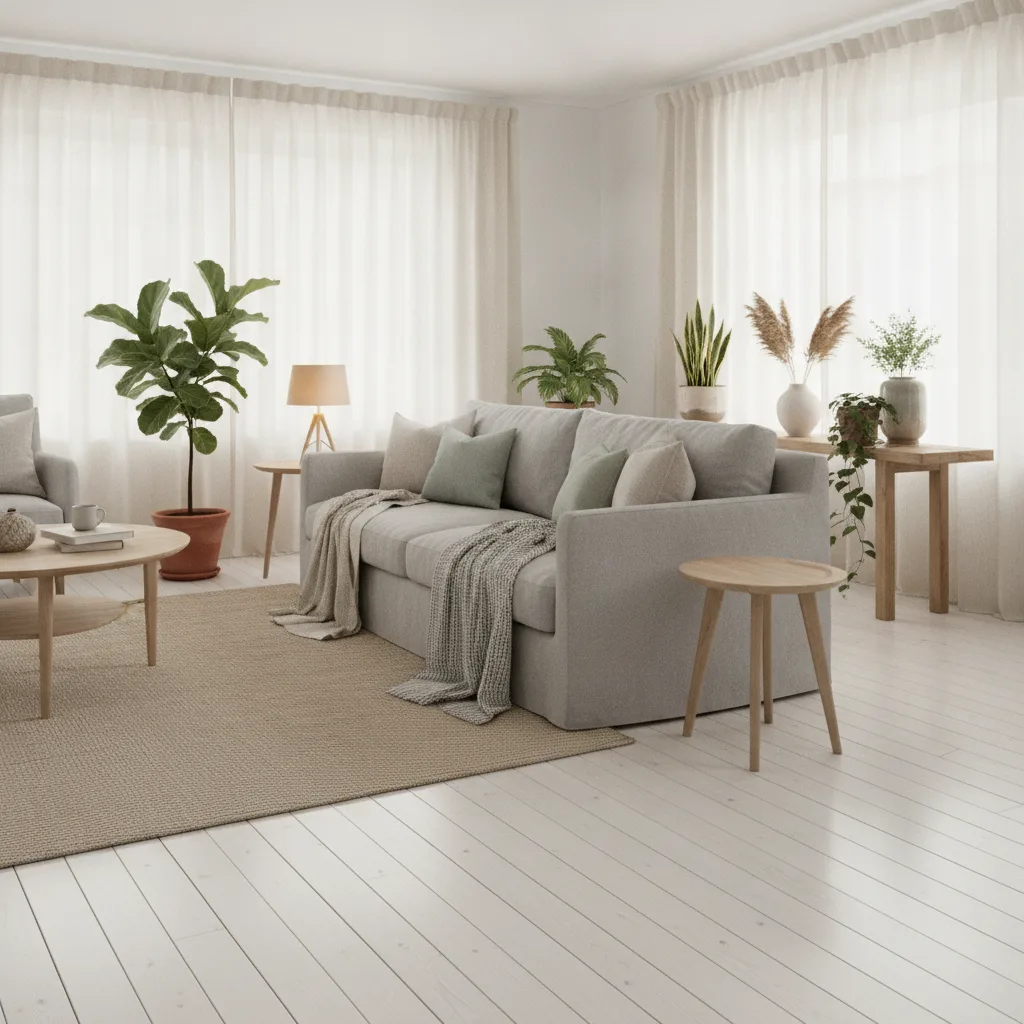
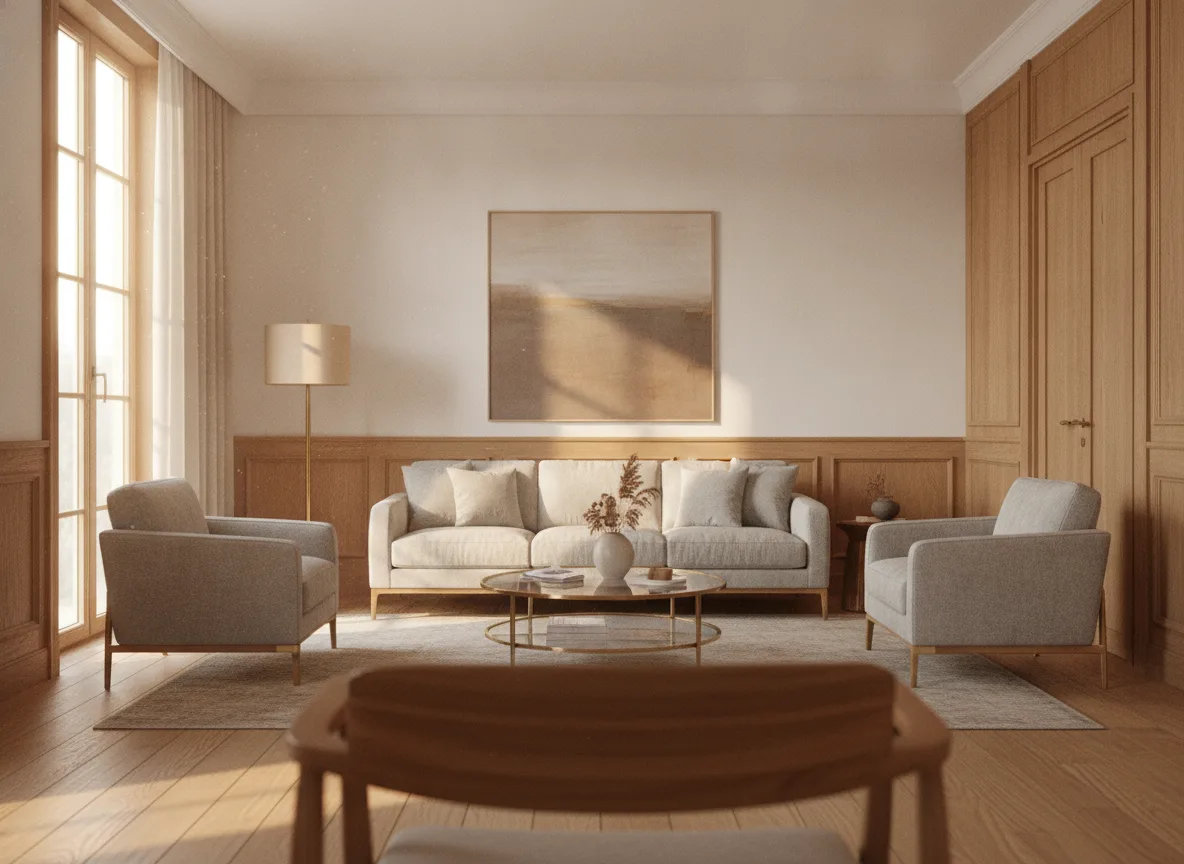
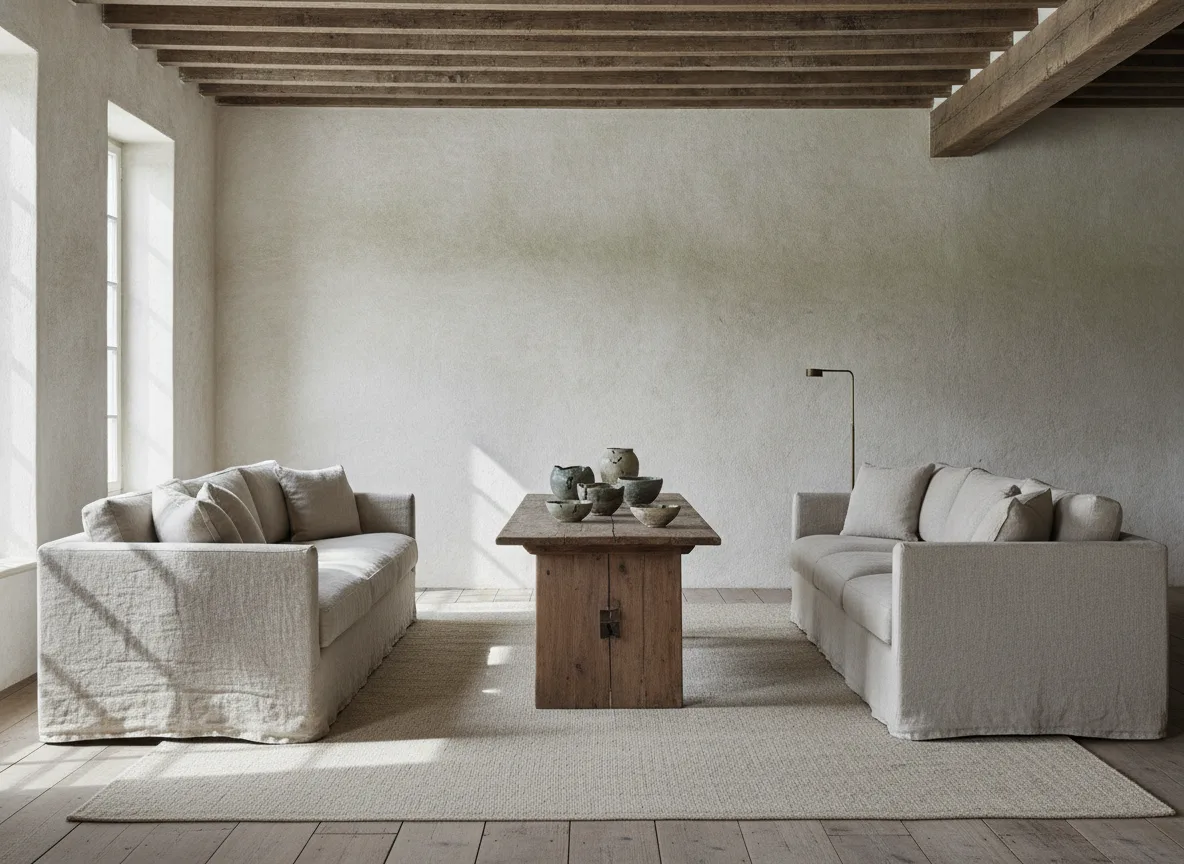
Convert this SketchUp white model screenshot into a realistic interior rendering: The camera angle, perspective, and the position of masses and furniture must exactly follow the original image, without adding, removing, or shifting any objects. Assign materials to each surface—light-colored oak for the floor, warm white paint for the walls, matte wood veneer for the cabinetry, and light gray quartz for the countertops. Add natural light entering from the window and recessed ceiling lights, generating correct shadows and material reflections, to achieve a photorealistic level of completion.
Translated from Chinese by AI.
Show the original prompt
把這張 SketchUp 白模截圖轉成寫實室內渲染:相機視角、透視、量體與家具位置完全依照原圖,不得增減或位移任何物件。為各表面指定材質 —— 地板淺色橡木、牆面暖白塗料、櫃體霧面木皮、檯面淺灰石英石。加入從窗戶進入的自然光與天花嵌燈,產生正確的陰影與材質反射,呈現照片級的完成度。